Your card, beautifully kept.
Scan the front and back, or enter the details manually. Choose your finish and card network, including RuPay, Amex, and UnionPay.
 pocket
A LIGHTER EVERYDAY
The cards you know, beautifully together.
A personal wallet, right on your phone.
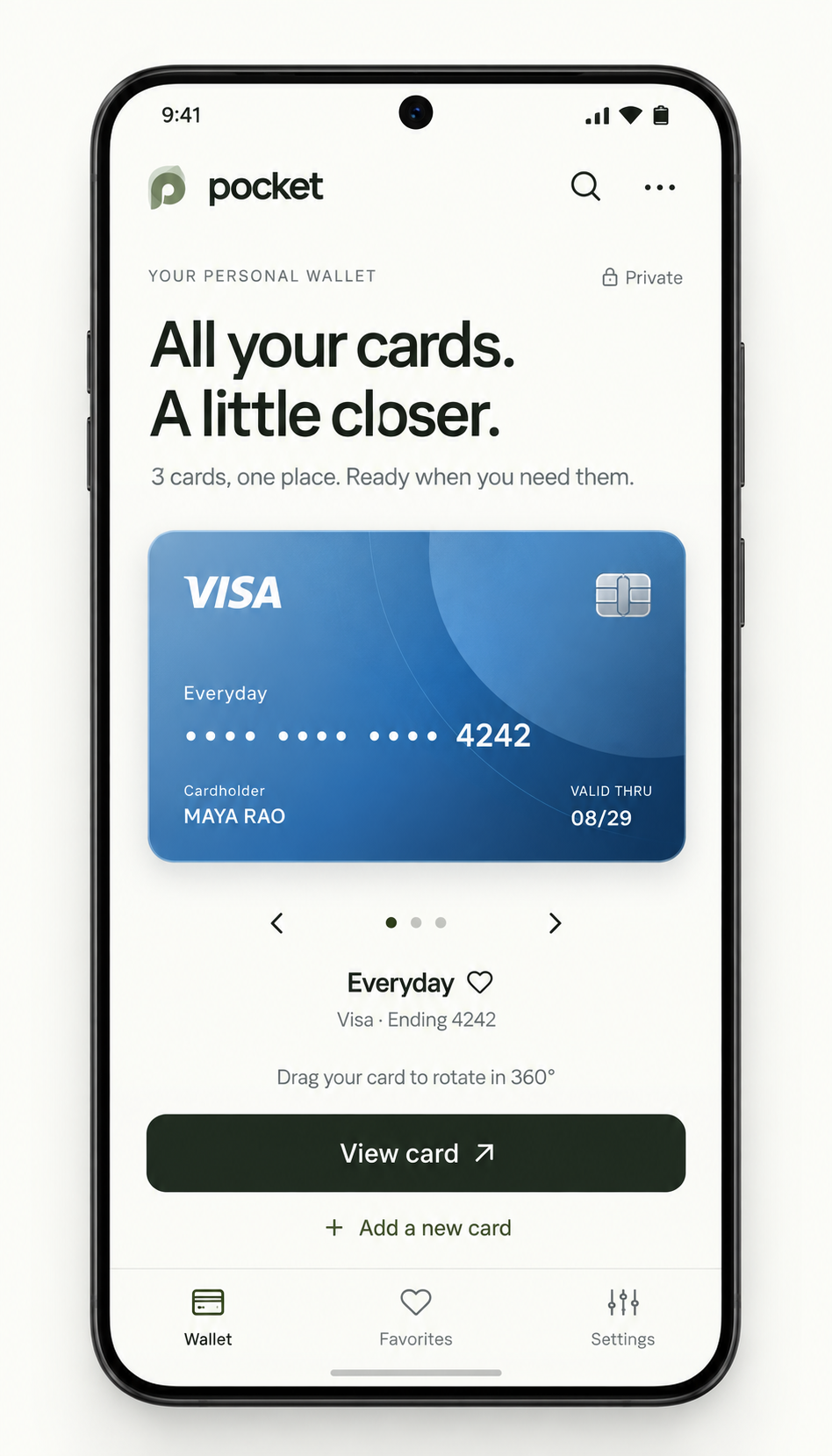
Familiar cards. A new home.
On-device storage
No account to create
Your details, a finish you choose, and a card you can turn in your hand. Scan once, check the text, and keep it close.
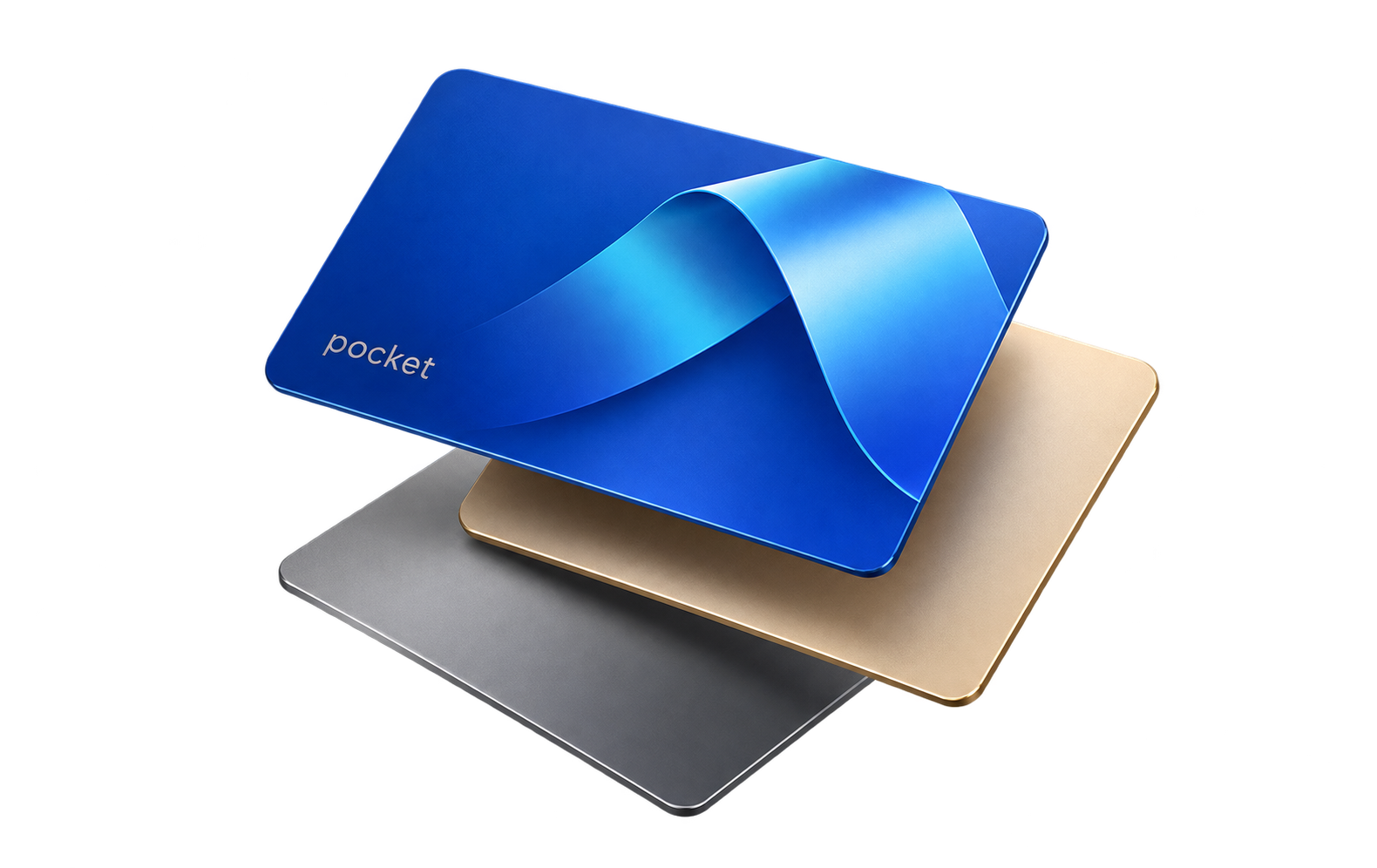
Scan the front and back, or enter the details manually. Choose your finish and card network, including RuPay, Amex, and UnionPay.
Cards gently float. Drag to tilt, tap to turn them over, or switch off motion whenever you prefer.
Name your cards, mark your favorites, and search by issuer or the last four digits.
A few small steps. A wallet that feels like yours.
Use the separate front and back Camera or Upload actions. Pocket reads the details directly on your phone, without a cropping step.
Check the number, expiry, and CVC suggestions. Complete the printed details, choose the network, and select a finish. Scan photos are not saved.
Save it to your device. Flip, search, edit, and organize your cards whenever you need a reference.
Card details and CVC are encrypted on your Android phone. There’s no Pocket account, server, or cloud sync.
Sign in using Android’s fingerprint or device screen lock. CVC is hidden by default in View card, with Show and Hide controls. Never store a card PIN or OTP.
Keep your physical cards: Pocket stores reference copies and cannot make payments. Check every scanned detail before saving.
Pocket stores visual copies and details for reference. Tap-to-pay, bank provisioning, and Google Wallet integration are not included.
They stay in the app’s private encrypted storage on your phone. Original gallery photos stay in your gallery. Uninstalling Pocket or clearing app data removes your wallet; there is no recovery service.
The APK supports Android 11 or later on ARM64 phones with a secure screen lock. It does not support 32-bit Android phones, x86 emulators, or iPhones. Version, size, and checksum are shown with the verified download below.
Use the fingerprint or device credential you already use on Android. There is no email or password account. Sign-out locks Pocket while keeping your saved cards on the device.
Download the official APK below, then open it on your Android phone. If Android asks, allow “Install unknown apps” for the browser used to download it and confirm installation. You can turn that permission off afterward. Pocket itself does not need permission to install other apps.
Return to this website and install the newer official APK over your existing Pocket installation. Updates are manual. Do not uninstall or clear app data to fix an update problem: that deletes your wallet. Contact support if Android refuses an update.
Pocket for Android. No account needed.
Download availability, version, size, and checksum will appear here after release validation. Review our privacy notice and terms before installing.
Checking the latest Android release…